Accurate canvas setup
Choose the stitch, bead system, row count, and column count before you start. Finished size is calculated from real bead dimensions, not rough pixel guesses.
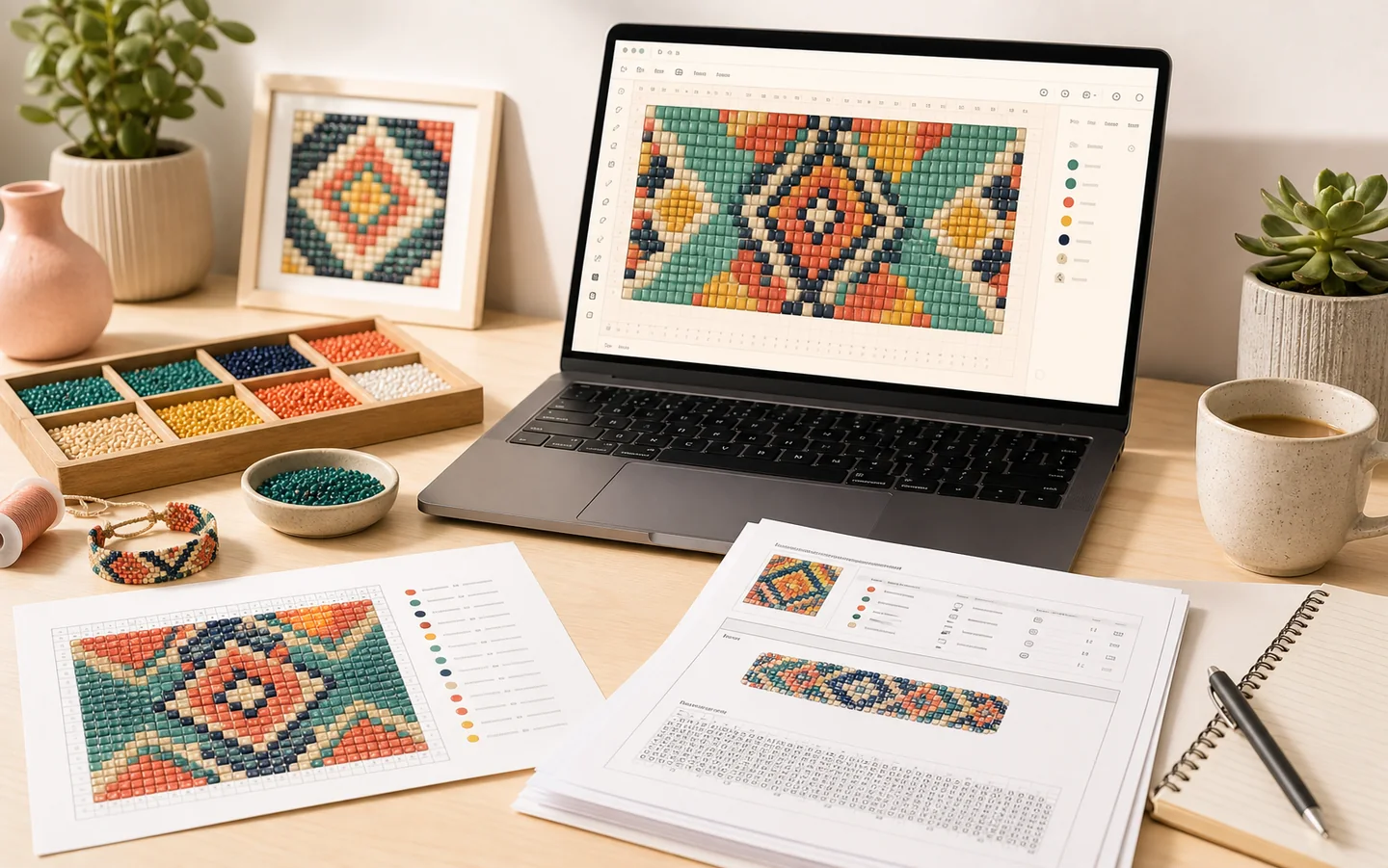
BeaderDesk is a public bead pattern design application for bead artists, jewelry makers, and pattern sellers. It helps you create bead charts, choose real bead catalog colours, convert images into beadable patterns, follow row-by-row instructions in Reader mode, plan materials, and export printable or seller-ready pattern files.
Application purpose
Use it to create bead charts, convert images into palette-locked bead patterns, plan materials from real bead catalog codes, follow row-by-row reader steps, and export customer-ready PDFs for digital pattern sales.
BeaderDesk keeps the design workflow in one place, from the first chart draft to the files a maker or pattern seller needs after the design is finished.
Features
BeaderDesk focuses on the details that matter once a pattern leaves the screen: bead sizes, colour codes, materials, and instructions a maker can follow.
Choose the stitch, bead system, row count, and column count before you start. Finished size is calculated from real bead dimensions, not rough pixel guesses.
Work with real manufacturer codes from supported Miyuki, Toho, and Preciosa catalogs. Add colours from the palette panel and keep materials tied to actual beads.
Paint, erase, select, fill, mirror, zoom, and pan on a canvas built for bead charts. The workspace keeps the pattern area first.
Follow the chart while making it. Mark rows, columns, or selected sections complete, add notes, and show highlights directly on the canvas.
See bead counts by colour, material estimates, and shopping list data before you publish or start stitching.
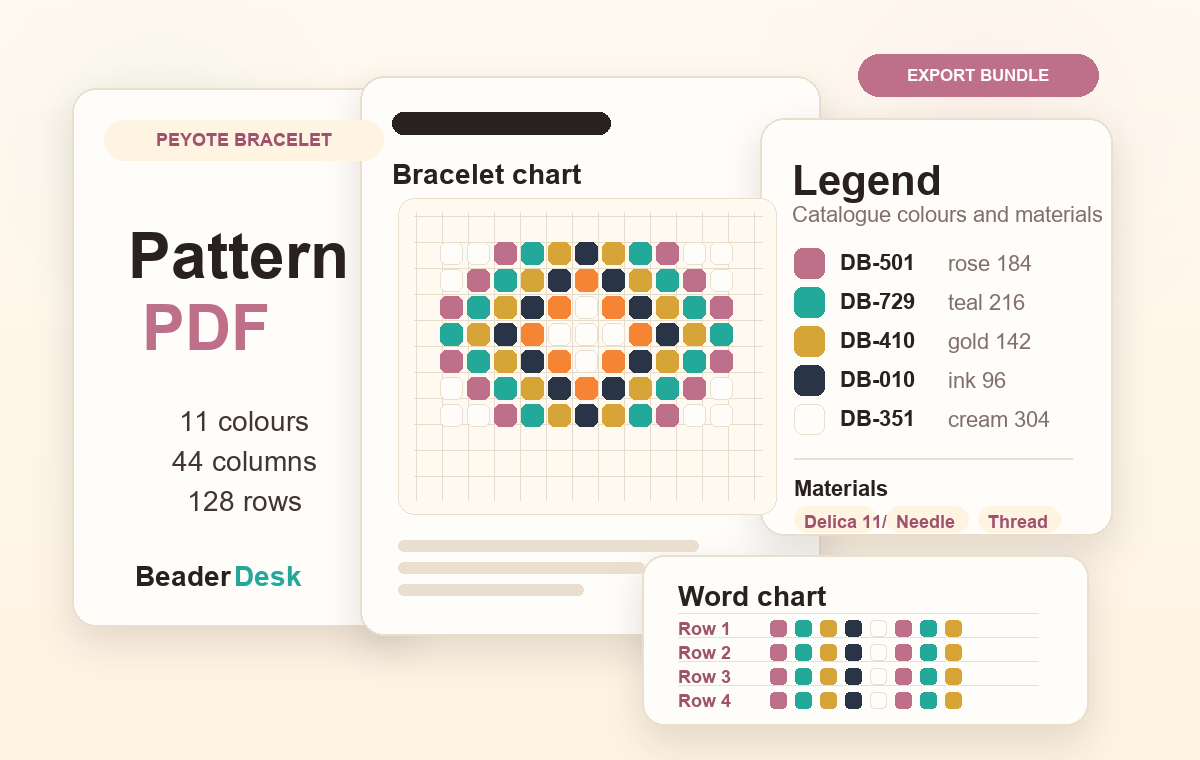
Generate PDFs with chart pages, legends, dimensions, materials, word charts, branding, watermark, and license text.
Image to beads
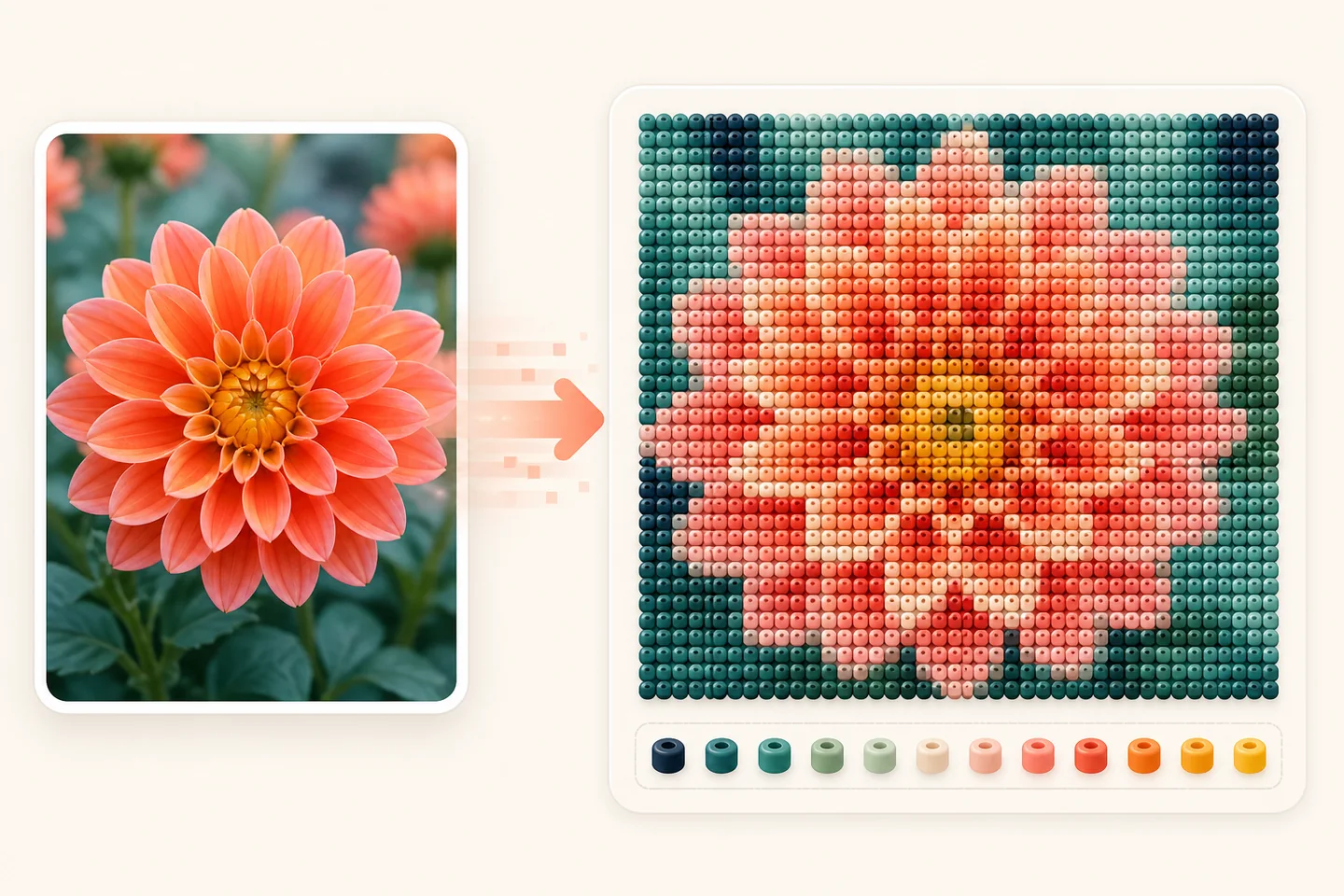
Import an image, position it on the canvas, then convert it into a pattern that uses the bead system already selected for the project.
Workflow
The page flow follows how bead artists work: plan the canvas, design the chart, verify materials, then export a pattern someone can actually make.
Start with a preset or custom canvas, then choose the stitch and bead system you actually plan to use.
Build the chart with catalog beads, selection tools, fill, mirror options, and a canvas made for repeated editing.
Review dimensions, bead counts, materials, beading direction, notes, and progress before the pattern is shared.
Create a buyer-facing PDF, a quick print, or a focused section export with the private workspace data left out.
Exports
BeaderDesk keeps the customer-facing files tidy: charts, legends, dimensions, materials, and instructions are prepared from the same design data.
Printable chart, legend, finished size, bead counts, materials, and row-by-row word chart in one file.
Business exports can include branded PDF content and listing images for pattern shops.
Generate shopping and materials lists from the design while keeping private inventory notes inside your workspace.
Pricing
Start with the full editor, then upgrade when you need exports, inventory, and branded seller-ready files.
Hobby makers starting a workspace
Design and read patterns with no credit card required.
0 EURforever
Independent designers and frequent makers
Export printable patterns and manage materials as you make.
4.99 EURper month
47.90 EUR/yearSave 20% with yearly billing
Etsy sellers, shops, and small studios
Create branded files and listing assets for your pattern shop.
12.99 EURper month
124.70 EUR/yearSave 20% with yearly billing
Your projects stay editable on every plan. Paid plans unlock publishing tools, materials workflows, and seller branding when you are ready to share or sell.
FAQ
Ready to design
Start with the editor, follow the work in Reader Mode, and export polished files when the design is ready.
Use email or Google Sign-In. Google Sign-In uses only your name and email for account access. Privacy Policy